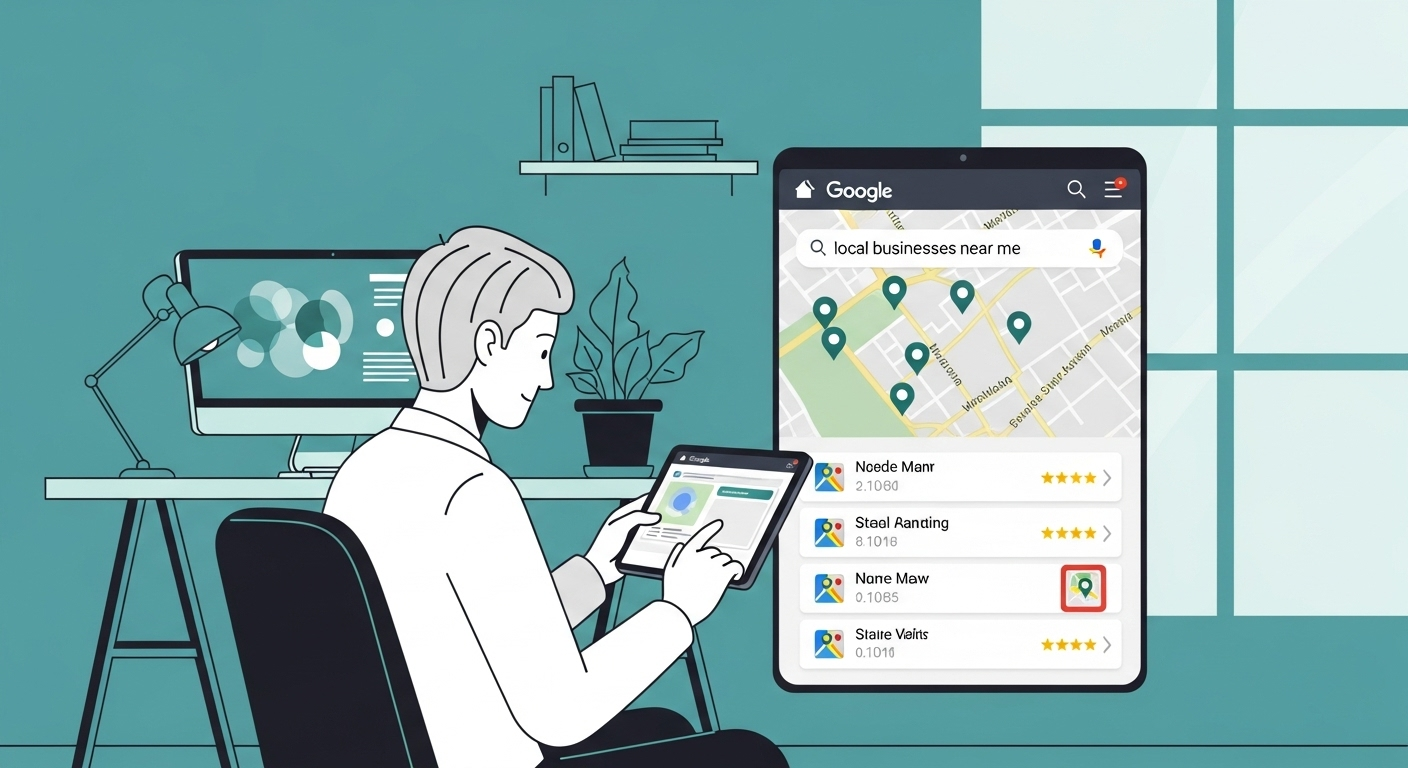
Your Google Business Profile is the most powerful local SEO tool you have. Period.
When someone searches "FBO near me" or "private jet charter [your city]," the map pack appears above organic results. The three businesses shown there get the majority of clicks. If you're not in that top three, you're invisible.
I've helped dozens of businesses go from nowhere to #1 in their local map pack. Sometimes in as little as 6 weeks. Here's exactly how Google Business Profile optimization works.
Why Google Business Profile Dominates Local Search
Let me show you the numbers. A client of mine—an aviation services company—wasn't in the map pack at all. Their website ranked okay (position 8-10), but most users never scrolled past the map results.
We optimized their Google Business Profile properly. Within 8 weeks, they hit the top 3 map pack. Traffic increased 340%. Phone calls tripled. All from one free listing.
The Reality of Local Search:
- •46% of all Google searches have local intent
- •Map pack results get 44% of clicks on local searches
- •76% of people who search for something nearby visit a business within 24 hours
- •28% of those searches result in a purchase
If you're not optimizing your Google Business Profile, you're handing customers to your competitors on a silver platter.
Step 1: Complete Your Profile 100%
Google rewards complete profiles. Incomplete profiles don't rank. It's that simple.
Complete Profile Checklist:
1. Business Information
- • Business name (exactly as it appears on your signage)
- • Correct category (primary + secondary categories)
- • Service area or physical address (must be accurate)
- • Phone number (local number, not toll-free)
- • Website URL (link to most relevant page)
- • Business hours (including special hours for holidays)
2. Business Description
- • 750-character description including keywords naturally
- • What makes your business unique
- • Services you offer
- • Areas you serve
3. Attributes & Services
- • Select all applicable attributes (veteran-owned, etc.)
- • Add specific services with descriptions
- • Enable messaging if you can respond quickly
- • Add products if applicable
Google confirms: complete profiles get 7x more clicks than incomplete ones. Fill out everything, even optional fields.
Step 2: Master the Review Game
Reviews are the single most important Google Business Profile ranking factor. More reviews + higher ratings = better rankings. Simple.
But here's where most businesses screw it up: they either don't ask for reviews, or they ask in ways that violate Google's policies (which can get your profile suspended).
The Smart Review Strategy:
1. Ask at the Right Time
Ask immediately after providing excellent service, when satisfaction is highest. For aviation: after a successful flight, maintenance job, or service completion.
2. Make It Easy
Create a shortened review link. Send it via email or text. Never ask for positive reviews (Google violation). Just ask for honest feedback.
3. Respond to Every Review
Thank positive reviewers. Address negative reviews professionally and offer to resolve issues. Google sees engagement as a positive signal.
4. Steady Flow > Sudden Spike
Aim for 2-5 reviews monthly. Google's algorithms detect suspicious review patterns. Natural, consistent growth looks authentic.
⚠️ Never Do This:
- • Buy fake reviews (instant suspension)
- • Offer incentives for reviews (violates Google policy)
- • Review your own business from different accounts
- • Ask employees/family to leave reviews from work computers
- • Set up review stations in your business
Google is extremely good at detecting fake reviews. One violation can wipe out your entire profile. Don't risk it.
Step 3: Photos & Regular Posts
Profiles with photos get 42% more direction requests and 35% more clicks through to their website. Yet most businesses upload 3 photos and call it done.
Photo Strategy:
- •Minimum 10-15 photos covering: exterior, interior, team, products/services
- •Add new photos monthly to show your business is active
- •High quality only - no blurry phone photos
- •Show people using your services (with permission)
- •360° virtual tour if you have a physical location
Google Posts Strategy:
- •Post weekly - updates, offers, news, events
- •Include call-to-action - book now, call, visit website
- •Add relevant keywords naturally in post text
- •Use high-quality images with each post
Active profiles rank better. Google wants to show users businesses that are engaged and current. Regular posts signal you're active.
Step 4: Q&A Section & Citations
Two underutilized features that seriously impact rankings: Q&A and consistent citations.
Q&A Optimization:
Anyone can ask questions on your Google Business Profile. If you don't answer them, random people will—and they might give wrong information.
- •Seed common questions yourself (pricing, hours, services)
- •Answer all questions within 24 hours
- •Include keywords naturally in answers
- •Monitor for spam/competitor sabotage
Citation Consistency (NAP):
Your Name, Address, Phone (NAP) must be identical across every directory listing online.
- •Check listings on: Yelp, Facebook, Apple Maps, Bing Places, industry directories
- •Ensure exact match: "123 Main St" vs "123 Main Street" matters
- •Fix inconsistencies immediately (confuses Google)
- •Remove duplicate listings (split authority hurts rankings)
Step 5: Track, Test, and Optimize
Google Business Profile provides excellent analytics. Use them.
Key Metrics to Track:
- Search queries: What terms trigger your profile
- Discovery searches: Are you found via direct (branded) or discovery (non-branded) searches
- Actions taken: Calls, direction requests, website clicks
- Photo views: Which photos get the most engagement
- Search impressions: How often you appear in search
- Map pack position: Your ranking in local results
Check insights weekly. If discovery searches are low, you're not ranking for non-branded terms—work on reviews and posts. If people view your profile but don't take action, improve your photos and description.
This is data-driven Google Business Profile optimization, not guesswork.
The Bottom Line on Google Business Profile
Google Business Profile optimization isn't complicated. It's just detailed work that most businesses can't be bothered to do properly.
Complete your profile 100%. Get consistent reviews. Post regularly. Answer questions. Maintain citation consistency. Track your results.
Do that for 8-12 weeks consistently, and you'll likely crack the top 3 map pack in your area—assuming your competitors are as lazy as most businesses.
Whether you handle Google Business Profile optimization yourself or work with specialists at Epic Edits, just make sure it's done properly. Local visibility depends on it.
Frequently Asked Questions
Whether you're a new client or a long-time partner, we're here to help. Below are answers to the most common questions.
With proper optimization and consistent effort, expect to see movement within 4-8 weeks. Top 3 map pack rankings typically take 8-12 weeks if you're starting from scratch. Less competitive markets move faster. The key is consistency—complete profile, regular reviews, weekly posts, and proper NAP citations across the web.
Dominate Local Search with Google Business Profile
We'll optimize your Google Business Profile, manage reviews, and get you ranked in the top 3 map pack for your area.